 pupbnb
How to create your wallet and send/receive crypto to exchanges securely.
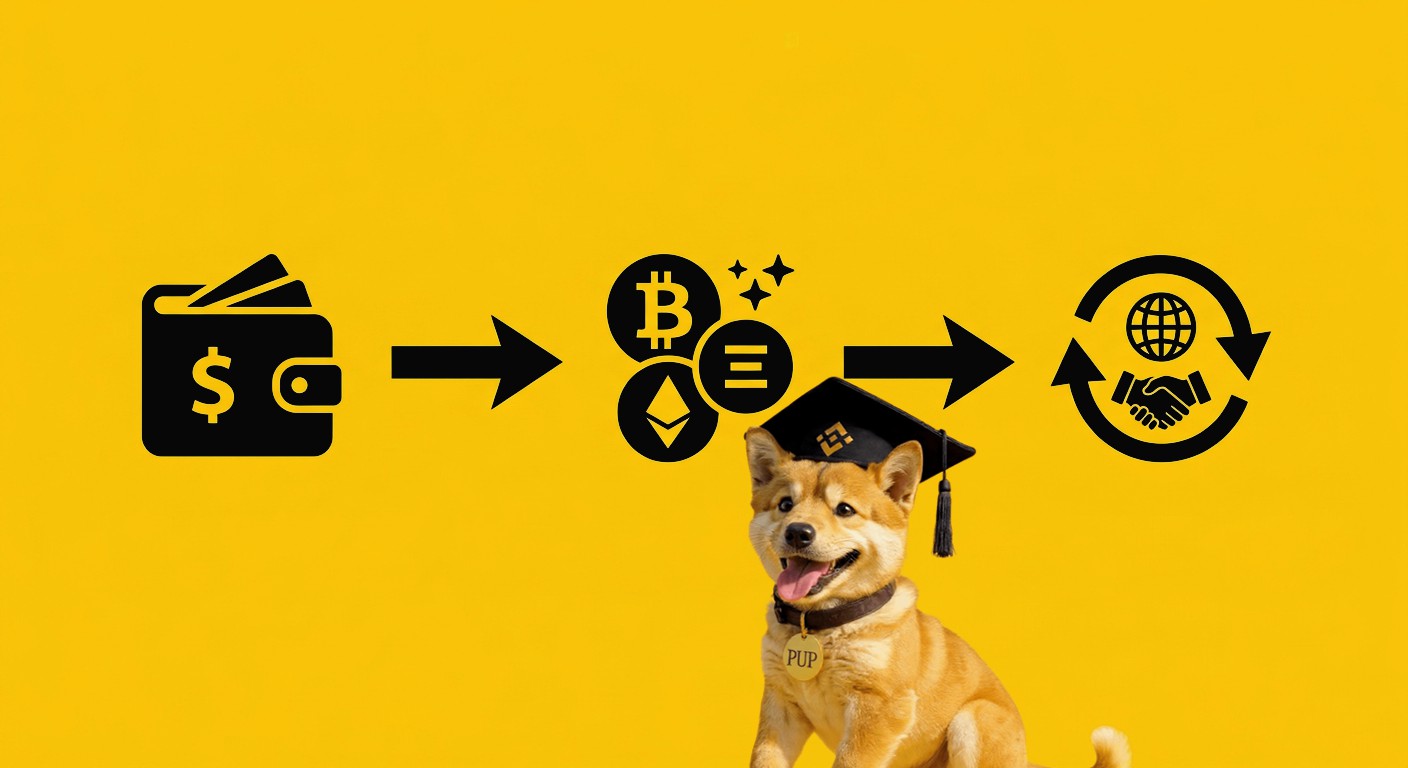
Creating a wallet and making safe transfers are important steps to start using digital money with confidence. Even if it sounds complicated at first, it can be simple when you follow a clear step by step.
To create a wallet, the first thing you need to do is choose a trusted app. Two very popular options are MetaMask and Trust Wallet. Both work on mobile and desktop.
Let’s start with a simple example using MetaMask.
Click the buttons below to download MetaMask directly from the official stores (mobile or desktop):
Open the app and choose the option to create a new wallet. The app will ask you to create a password. This password is used to open the app on your phone. Choose something strong but that you can remember.
Next, the app will show you your seed phrase. This is a group of words. This is the most important step. You must write these words down on paper and keep them in a safe place. Do not take a screenshot and do not save it on your phone.
The app may ask you to confirm the words to make sure you saved them correctly. After that, your wallet is ready to use.
An extra tip that can protect you from mistakes is this: After writing down your seed phrase, you can uninstall the app and then install it again. Use the option to recover your wallet using the words you wrote down. If everything works and your wallet opens correctly, it means you wrote the words the right way. This simple step can help you avoid losing access to your wallet in the future.
Now let’s look at Trust Wallet, which is very similar.
Click the buttons below to download Trust Wallet directly from the official stores (mobile or desktop):
Agree to the terms and continue. The app will show your seed phrase. Again, write it down on paper and keep it safe. Never share it with anyone.
Confirm the words in the correct order, and your wallet will be ready.
After creating your wallet, you can start moving your money.
Inside your wallet, choose the coin you want to receive, for example Bitcoin or Ethereum. Tap on receive.
The app will show you an address and a code. This address is like your account number. You can copy it and send it to the person who will send you money.
To send money, tap on send inside your wallet.
Paste the address of the person or exchange that will receive the money. Enter the amount you want to send. Before confirming, always check the address carefully. Even a small mistake can send your money to the wrong place.
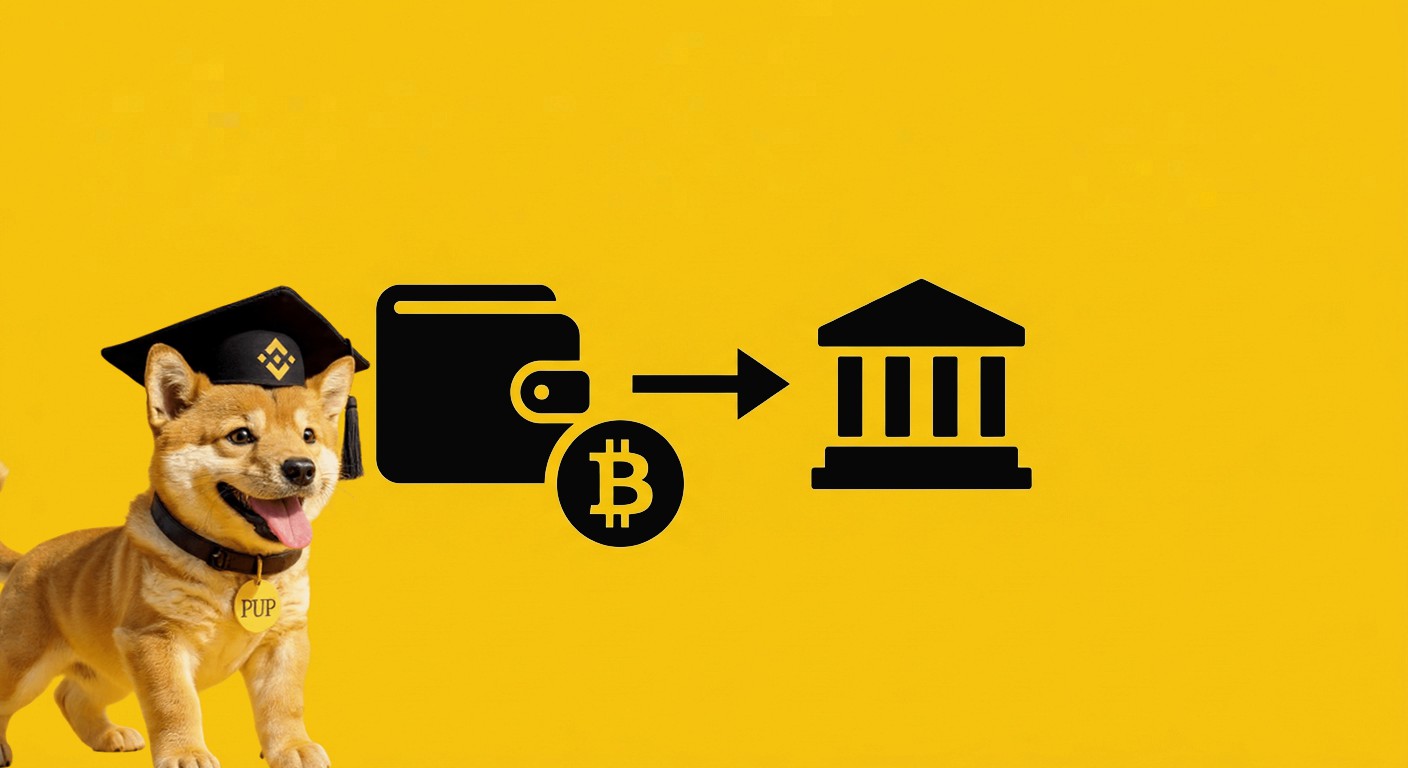
When sending to an exchange, which is a platform where you can buy and sell crypto, you need to be extra careful.
Always send a small test amount first. Wait for it to arrive. If everything is correct, then you can send the full amount. This simple step can protect you from losing money.
Also pay attention when the app asks you to choose a network. If you are not sure which one to use, take your time and check carefully. Choosing the wrong option can cause loss of funds.